Printer Stand for Home Office: Under-Desk Carts That Free the Desktop
A printer stand keeps the machine off your desk and close enough to grab paper. HOOBRO under-desk carts cover most home offices; add the charging model when outlets are scarce.
By Harper Lin
Homeofficebasics is reader-supported. As an Amazon Associate we earn from qualifying purchases. Learn more.
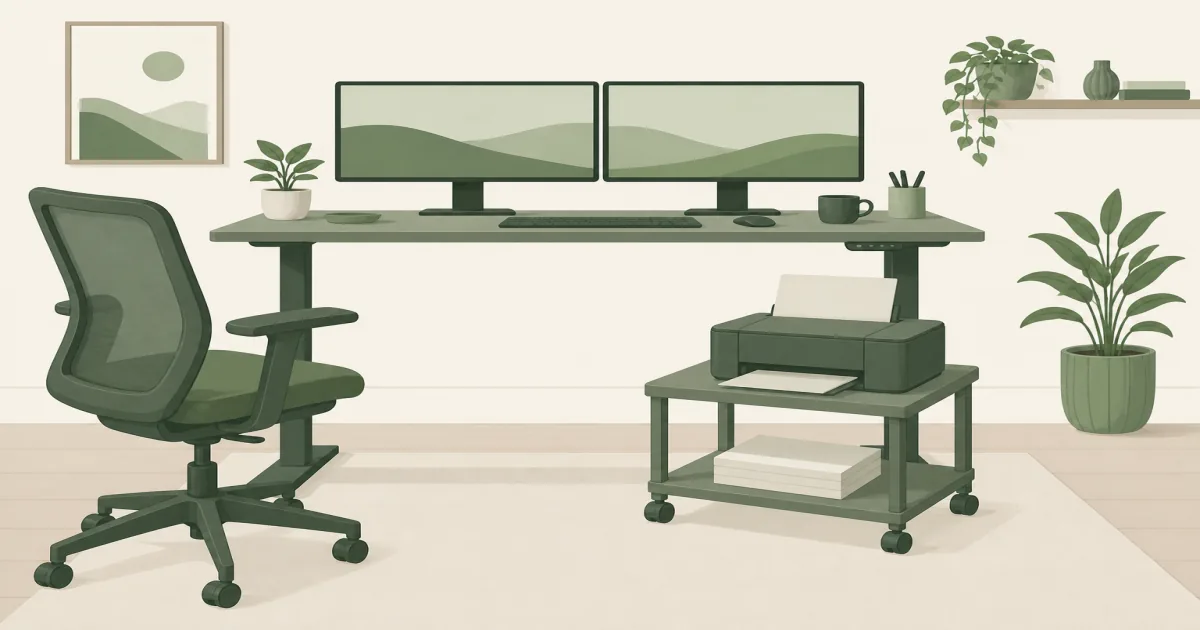
The short answer: Park a home printer on a low rolling cart so it stays off the desktop. The HOOBRO 2-Tier Industrial Under Desk Printer Cart (paid link) fits most under-desk setups. Choose the HOOBRO Printer Stand with Charging Station (paid link) when you also need an outlet beside the machine.
Our picks
A printer on the desk steals typing space and makes every cable harder to manage. A printer stand is the simple fix: a small cart or shelf unit that holds the printer, a ream of paper, and sometimes ink nearby. The useful ones roll when you need them, lock when you print, and fit under or beside a normal home desk.
If you are still choosing drawers and files, pair this with a filing cabinet, a rolling file cabinet, or under desk storage. This guide is only about getting the printer off the work surface.
Side-by-side tradeoffs
Everyday pick: HOOBRO under-desk cart
The HOOBRO 2-Tier Industrial Under Desk Printer Cart (paid link) is the printer stand to buy for most home offices. The low profile slides under many desks, the top shelf holds a typical home printer, and the lower shelf keeps paper within reach. Lockable wheels matter more than people expect. A cart that rolls while the printer feeds paper is annoying on day one.
Rustic board and black metal keep the look closer to furniture than a plastic dorm cart. Keep the total load inside the listed shelf ratings. A light inkjet is an easy fit. A heavy departmental laser may need a taller, heavier stand.
Measure the clear height under your desk before you order. Knee space and a thick desk apron can block carts that look fine in product photos.
When charging ports help
The HOOBRO 2-Tier Printer Stand with Charging Station (paid link) is the better cart when outlets are scarce. A built-in socket and USB port let the printer and a phone share the stand without hunting behind the desk. The footprint stays compact, so it still works in small rooms.
Pay for the power strip only if you will use it. If you already have a clear outlet nearby, the simpler industrial cart is enough. Either way, tidy the printer cable with basic cable management so wheels do not snag the cord.
How to place a printer stand
- Measure printer width, depth, and weight.
- Measure under-desk clearance or the free space beside the desk.
- Leave a path to pull the cart out for paper and jam clearing.
- Lock the wheels before the first print job.
A clean home office desk setup usually puts the printer off the main surface so the keyboard zone stays clear. If the stand becomes a junk shelf, add a small desk organizer for clips and labels instead of stacking more on top of the printer.
Paper, ink, and cable habits
Keep one open ream on the lower shelf and store extras elsewhere. A cart that becomes a paper warehouse gets heavy and tippy. Ink and toner belong in a cool, dry spot, not on a sunny windowsill above the printer.
Route the power cord so wheels cannot catch it. A simple under-desk cable tray or adhesive clips from a basic cable management kit is enough. If the printer shares a charging strip on the stand, label the plug so you do not yank the wrong cord during a jam.
Noise matters on calls. Place the cart on a rug if hardwood amplifies every feed. Park it a few feet from your mic when you can. You do not need a closet for a home inkjet, but you also do not need it humming beside your headset all day.
Shared households should agree on one refill spot. When paper lives in three rooms, the cart turns into a scavenger hunt before every school form. Keep labels, envelopes, and a spare USB cable in a small bin on the lower shelf so the top stays clear for the printer footprint. If kids use the printer for homework, put the cart where an adult can still reach the jam door without moving the whole desk.
Who should skip these carts
Skip a low two-tier cart if you run a wide office copier, need locked file drawers, or want a tall tower with many shelves. Those jobs need heavier furniture. Also skip under-desk placement if your desk is too low for the cart height. Beside-desk placement is still better than putting the printer on your typing surface.
If the real problem is hanging files, buy a filing cabinet and keep the printer on a separate stand. Mixing both jobs on one short cart usually fails.
Bottom line
Buy the HOOBRO industrial under-desk cart for a simple rolling printer stand. Buy the HOOBRO charging-station cart when the stand should also solve power. Measure the printer and the desk clearance first, then lock the wheels before you print. More home-office gear ideas live on the blog and homepage.
Frequently Asked Questions
What is a printer stand?
A printer stand is a small table or rolling cart that holds a printer and often a shelf of paper. It keeps the machine off the main desk so your typing surface stays clear.
Should a printer stand go under the desk?
Under-desk carts work when the desk apron is high enough and you can roll the cart out to refill paper. If the desk is too low, place the stand beside the desk instead.
How much weight can a home printer stand hold?
Check the shelf rating on the listing. Many under-desk carts list around 40 to 90 pounds on the top shelf, which covers most home inkjets and compact lasers. Large office machines need a heavier cart.
Do I need wheels on a printer stand?
Wheels help when you refill paper or move the printer for cleaning. Locking casters matter so the cart does not drift while the printer pulls paper.
Printer stand or filing cabinet?
Use a printer stand for the machine and paper. Use a filing cabinet for hanging files and locked storage. Many home offices need both.
Will a printer stand fit a laser printer?
Many compact lasers fit if the top is wide and deep enough and the weight rating covers the machine. Measure the printer footprint before you order, especially for wide office models.