U Shaped Desk: Wraparound Space for a Real Home Office
A U shaped desk wraps three sides around you so monitors, papers, and a printer stay in reach without a giant straight table. Measure the room before you chase more surface.
By Alex Turner
Homeofficebasics is reader-supported. As an Amazon Associate we earn from qualifying purchases. Learn more.
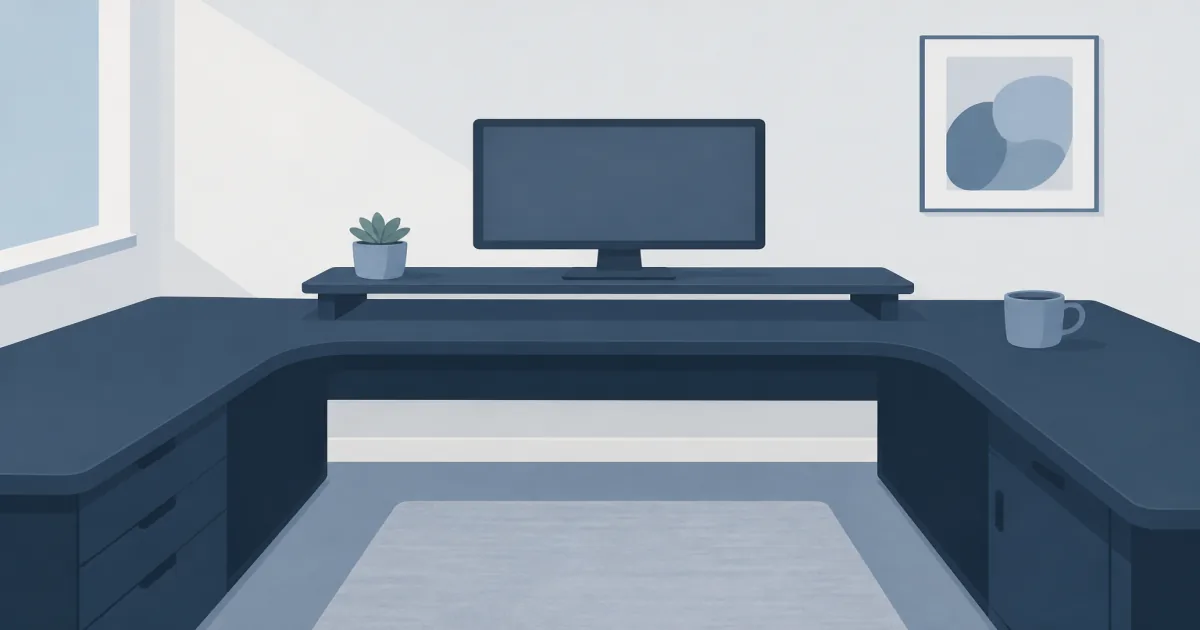
Our picks: Get the Tribesigns U shaped desk with monitor shelf (paid link) when you want wraparound space and a raised screen line, or the SEDETA U desk with power and drawer (paid link) when outlets and filing matter as much as surface area.
Our picks
A U shaped desk is the home-office version of a wraparound workstation. You sit in the open end. Monitors face you. One wing holds papers or a second laptop. The other wing holds a printer, scanner, or charging station. You turn in the chair instead of getting up every time you need a side tool.
It is not the same job as a simple corner desk or an L shaped standing desk. Those cover two sides. A U adds the third side on purpose. That only helps if your room can swallow the footprint.
When a U desk is worth it
Choose a U shaped desk when you run dual workflows in one room: client calls on one side, documents on another, and a printer that should stay plugged in. Skip it when you only need a laptop and a lamp. A writing desk or mid-size L will feel less like furniture you live around.
Measure outer width, depth, and the chair path behind you. Leave enough room to roll back without hitting a wall. If the taped outline fills the room, stop. More surface is useless if you cannot leave the seat.
Quick comparison
Top pick: Tribesigns with monitor shelf
The Tribesigns U Shaped Computer Desk with Monitor Stand Shelf (paid link) is the best starting U desk when you want screens raised and the center desktop clear for keyboard and mouse work. The side wings take a printer or reference stack. The CPU stand keeps a tower off damp floors.
This is a fixed-height wood-and-steel station, not a sit-stand frame. If you need walking or standing blocks, keep a separate standing desk or converter elsewhere. Assembly needs two people for the long spans.
Shop the Tribesigns U desk (paid link)
Best with power: SEDETA reversible U
The SEDETA U Shaped Desk (paid link) is the pick when you want built-in outlets, a file drawer, and a keyboard tray in one footprint. Reversible layout helps if the room forces a left or right wing. Use the power strip for lamp, dock, and phone charging so floor cords stay short.
Expect a long build. Level every leg before you load monitors. Particle-board tops hate uneven floors. If drawers are your main need on a smaller desk, also compare computer desk with drawers.
Shop the SEDETA U desk (paid link)
Layout tips that prevent regret
- Put the deepest work on the center span where your elbows sit.
- Keep the printer on a wing so vibration stays off the keyboard line.
- Raise monitors on the shelf or a monitor riser so your neck stays neutral.
- Route power along the back edge before you decorate the desktop.
If you thought you wanted sit-stand across the whole U, you probably want an L standing desk plus a fixed side table instead. Mixing heights across three wings is awkward and expensive.
Who should skip a U shaped desk
Skip it in studio apartments where a U blocks the only walkway. Skip it if you move offices often. These desks are heavy and slow to tear down. Skip it if you only needed more storage. A filing cabinet and a simpler desk often cost less and fit better.
Bottom line
Buy a U shaped desk when three work zones beat a longer straight table. The Tribesigns monitor-shelf model is the cleaner command-center layout. The SEDETA adds power and filing when cords and paperwork share the same room. Measure twice. Fixed-height U desks do not become standing desks later.
Frequently Asked Questions
What is a U shaped desk?
A U shaped desk uses three connected work surfaces that wrap around your chair, so you can turn between computer work, papers, and a side station without standing up.
Is a U shaped desk better than an L shaped desk?
U desks add a third wing for printers, scanners, or a second person. L desks fit tighter corners. If you only need two sides, start with a corner desk instead of forcing a U into a small room.
Will a U shaped desk fit in an apartment?
Only if you measure the full outer footprint and leave chair clearance. Many U desks need roughly 6 to 8 feet on the long side. Tape the outline on the floor before you order.
Can a U shaped desk be a standing desk?
Most Amazon U desks are fixed height. For sit-stand, look at an L shaped standing desk or a straight standing desk plus a side table. Do not assume a U frame lifts.
How do I manage cables on a U desk?
Run power along the back edges and drop cords through grommets or trays. Built-in outlet strips help. See cable management for desk for clips and sleeves.
U desk or two desks pushed together?
A purpose-built U frame is usually stiffer and cleaner than butting two cheap tables. Separate desks can work if heights match and you accept a seam in the middle.
What weight can a U shaped desk hold?
Check the listing capacity and still be gentle with heavy tower PCs and multi-monitor arms. Spread load across the wings instead of stacking everything on one corner.