Best Headphone Stand for a Home Desk (2026)
A headphone stand is a small accessory, but it can clear real space from a crowded desk and save a headset from getting buried under notebooks and cables.
By Nate Brooks
Homeofficebasics is reader-supported. As an Amazon Associate we earn from qualifying purchases. Learn more.
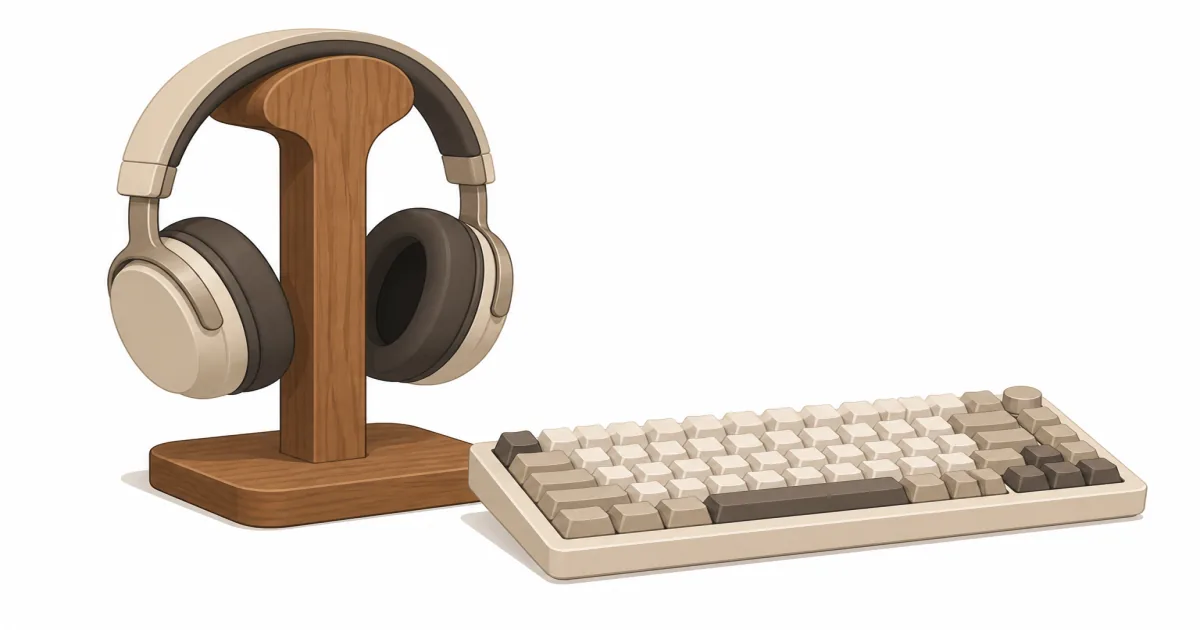
The short answer: A headphone stand (paid link) is worth buying when your headset keeps eating desk space or getting caught in cable mess. The New Bee (paid link) stand is the easiest simple fix. The EURPMASK clamp hanger is better when your desk is already full and you want the headset off the surface entirely.
Our picks
Headphones do not take up much space until they have nowhere to live. Then they land on the keyboard, hang off a monitor corner, or disappear under a notebook five minutes before a call. A headphone stand solves a small problem, but it is a real one in compact home offices.
This is not a must-buy for every desk. If you use earbuds twice a week, skip it. If you wear an over-ear headset daily for meetings, music, or focus time, a dedicated stand makes the setup feel cleaner and less annoying. It also keeps the headset away from coffee rings, chair wheels, and accidental cable yanks.
Browse more desk add-ons in our desk accessories hub, then tidy the rest of the surface with a desk organizer. If the desktop already feels cramped, start with our home office desk setup guide or compare under desk storage. A headphone stand works best when it supports a cleaner layout instead of becoming one more random object in the pile.
Why a headphone stand helps more than it sounds
The obvious reason is storage. The less obvious reason is habit. When your headset has one reliable place to go, you stop dropping it on the mouse pad, wrapping the cable around a lamp base, or crushing the earcups under papers.
That matters more on mixed-use desks. A lot of home offices are also writing desks, gaming setups, or bedroom corners. A stand helps protect the headset and keeps the work surface open for whatever the desk is supposed to do next.
It also helps if your headphones have memory-foam pads or a nicer headband. Leaving them stretched over a monitor corner is not the end of the world, but it is a worse long-term storage habit than hanging them on something built for the job.
Desktop stand vs clamp hanger
The first decision is not brand. It is where the headset should live.
A desktop stand is the easiest answer when you have a little free surface and want fast access. Drop the headphones on, pick them up, done. A clamp hanger is smarter when desk space is already expensive. It parks the headset under the edge or just off to the side so the top stays clear.
The clamp option is especially good on small desks where every square inch matters. The desktop option is better if your desk edge is thick, rounded, or blocked by a frame that would make clamping awkward.
Simple desktop pick: New Bee Headphone Stand
The New Bee Headphone Stand (paid link) is the best starting point for most people because it does the job without turning the desk into a gadget display. The footprint is small, the shape is straightforward, and the headset stays easy to grab before a call.
This kind of upright stand works best when the desk has at least one free corner or when the monitor base already leaves a dead zone you are not using. It is also a good fit if you swap between a work headset and casual headphones and want a visible place to park one set.
Its only real downside is that it still sits on the desk. If your keyboard, lamp, and notebook already fight for room, that extra footprint may bug you more than the tidy look helps.
Shop: New Bee headphone stand on Amazon (paid link)
Clamp-on alternative: EURPMASK Rotating Headphone Stand
The EURPMASK Rotating Headphone Stand (paid link) is the better buy when the real problem is surface space. It clamps to the desk and swings out of the way, so the headset stays accessible without living in the typing zone.
This is a smart fit for compact desks, gaming setups, and shared worktables where a freestanding stand would feel like one object too many. The rotating hook is useful because it lets you tuck the headset back when you are done instead of leaving it jutting toward your knee.
The clamp edge matters. If your desk has a thick apron, a built-in lip, or a sit-stand frame part close to the edge, measure before you buy. A clamp accessory is only a win when it actually fits the desk you own.
Shop: EURPMASK clamp headphone hanger on Amazon (paid link)
What a good stand should not do
A headphone stand should not stretch the headband at one sharp point. It should not tip easily if you bump the desk. It should not make you reroute half your cable setup just to store one headset.
If you use a wired headset, the stand should also work with the cable path you already have. That can mean placing the stand near a dock, audio interface, or monitor side where the cord naturally falls. If cables are already ugly, fix that first with cable management for desk.
Stands also should not become decoration that blocks your working edge. If the headset lives on the stand but the stand lives where your notebook needs to go, that is not good storage. It is a new obstacle.
When to skip the desktop stand
Skip the basic upright style when the desk is truly packed. That is what clamp hangers are for.
Skip any stand entirely if you mostly use earbuds and rarely touch over-ear headphones. A stand only earns its keep when it solves a repeated habit problem. If you use the headset twice a month, you can store it in a drawer or cabinet and never think about it again.
Also skip tiny sculptural stands that look nice but support the headband on a narrow metal edge. They can work, but they are often worse than a simple broad support.
Best placement on the desk
Put a desktop stand in a corner or along the edge you do not use for writing. If you are right-handed, that is often the left rear corner near a monitor base or speaker.
Put a clamp hanger where the headset will not hit your knees or snag on the chair when you stand up. Under the non-mouse side of the desk is usually the safest zone. If you use a sit-stand desk, run it through sitting and standing height once before tightening the clamp for good.
The goal is simple: the headset should be easy to reach without invading the part of the desk where you actually work.
Bottom line
The best headphone stand is the one that disappears into your routine. Buy the New Bee stand if you have a little surface space and want the simplest answer. Buy the EURPMASK clamp hanger if the desktop is crowded and you want the headset tucked away. Then keep the rest of the setup honest with cleaner cables and a desk layout that leaves room to work. More guides live on the blog and homepage.
Frequently Asked Questions
What is the best headphone stand for most desks?
The New Bee upright stand is the simplest default when you have a free corner. Choose the EURPMASK rotating clamp hanger when the surface is packed and your desk edge can take a clamp.
Do I need a headphone stand for a home office?
Not always, but it helps if your headset lands on the desk every day, gets tangled in cables, or ends up under paperwork between calls.
Is a desk stand or a clamp hanger better?
A desk stand is simpler. A clamp hanger is better when surface space is the problem and your desk edge can take a clamp.
Can a stand damage the headband?
A bad one can if the support edge is too narrow or sharp. Look for a broad top or a hook that does not pinch one tiny point.
Will a headphone stand help cable mess?
A little. It gives the headset a home, but real cable cleanup still comes from better desk cable management.
Should I store a gaming headset differently from work headphones?
The same basics apply. The larger the headset, the more helpful a wide hook or rotating hanger becomes.
What if I use speakers most of the time?
A stand still helps if you keep a headset nearby for calls. If not, skip it and use the space for something you touch every day.