Best Blue Light Blocking Glasses for Desk Work (2026)
Desk accessories
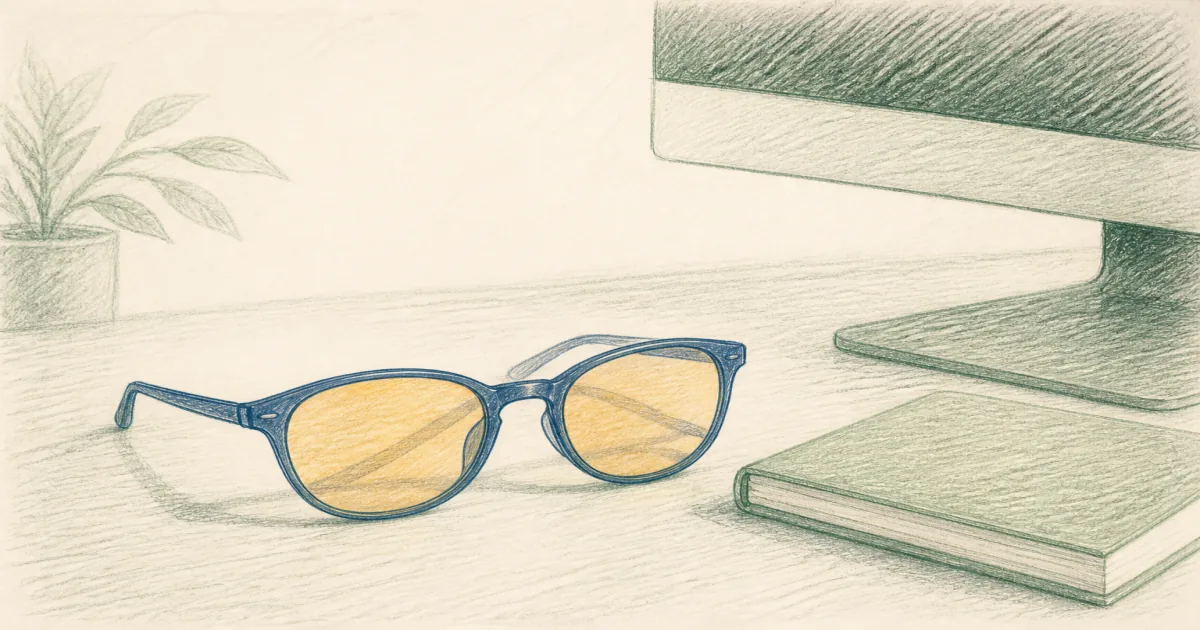
Blue light blocking glasses will not fix a bad monitor setup, but a solid pair can cut glare and make long desk days feel easier. Start with Gunnar Intercept if you want amber contrast.
Our picks
The best blue light blocking glasses for a home office are the Gunnar Intercept when you stare at bright monitors for hours and do not mind an amber tint. They cut glare more aggressively than clear budget pairs and stay comfortable under many headsets. Keep a Cyxus clear pair for client video calls when amber looks too yellow on camera.
Browse more desk accessories once your eyewear is sorted. Pair the glasses with honest lighting from the best desk lamp pillar if the room still feels harsh, and keep monitor height tied to a solid best monitor arm if your neck still dips.
What blue light glasses can and cannot fix
They can soften screen glare and make long sessions feel less scratchy. They cannot fix a monitor that sits too low, a room with only one overhead bulb, or dry eyes from low humidity. Treat glasses as one layer, not the whole setup.
Start with breaks. Look away every 20 minutes or so. Raise the screen so the top sits near eye level. Then decide if amber or clear lenses fit how you work.
Amber vs clear for desk work
Amber (Gunnar Intercept) boosts contrast and filters more of the blue peak many people notice at night. Whites look warmer. That is fine for coding, spreadsheets, and games. It is a poor match for color-critical design reviews.
Clear (Cyxus) keeps your face looking normal on Zoom and Teams. Filtering is milder. Most people prefer clear for daytime meetings and amber for solo evening blocks.
If you only buy one pair, pick based on when your eyes feel worst. Night grinders lean Gunnar. Meeting-heavy days lean Cyxus clear.
Top pick: Gunnar Intercept Onyx Gaming Glasses Amber Lens
The Gunnar Intercept is the pair we send most people to when they want a serious computer glass, not a fashion frame with a light coating. The amber lens and wider wrap suit long monitor days. Owners often mention comfort after the first week of adjustment to the tint.
Skip Gunnar if you need perfect color for photo or video grading. Use them for writing, code, and games instead.
Best clear lens: Cyxus Clear Blue Light Glasses 8082
The Cyxus clear 8082 is the daytime default. Square frames stay light on the nose, and the clear lens keeps skin tones honest on camera. Use them when you want a dedicated computer pair without looking like you walked out of a LAN party.
Expect less filtering than amber Gunnars. That is the trade for looking normal in meetings.
Best metal frame: Cyxus TR90 Metal Frame 8208
The Cyxus 8208 keeps a clear lens but steps up the frame feel with TR90 and metal accents. It is the pick when thick plastic frames bother you or you want something that also works for errands after work.
Measure fit carefully if you have a wide head. Lightweight frames can feel snug behind the ears on some faces.
Fit, lighting, and when to stop buying eyewear
Try the glasses for a full workday before you judge them. Mild nose pressure the first hour is common. Sharp pain means the frame is wrong.
Fix the room while you test. A monitor light bar lights the desk without blasting your face. Bias light behind the screen can reduce harsh contrast. Glasses plus a dark cave still feel hard on the eyes.
If you already wear prescriptions, ask about an anti-reflective coating before stacking another pair. Many people do better with one well-coated lens than two frames fighting each other.
Who should skip blue light blocking glasses
Skip them if your monitor is still too low, your chair dumps you forward, or you only feel strain after eight hours without breaks. Fix those first. Also skip amber pairs if you edit photos or video for a living and need true whites.
Blue light glasses are a small, cheap experiment. They are not a medical device and not a substitute for an eye exam when vision changes suddenly.
Bottom line
Buy Gunnar Intercept for amber desk and gaming sessions, Cyxus clear 8082 for daytime calls, and Cyxus 8208 when you want a clearer metal-frame look. Pair any of them with better desk lighting and honest screen height so the glasses are not doing all the work alone.
Frequently Asked Questions
Do blue light blocking glasses actually reduce eye strain?
Many people feel less glare and dryness after long screen blocks, especially with amber lenses. They will not replace breaks, correct monitor height, or treat a medical eye problem. If headaches persist, talk to an eye doctor.
Amber tint or clear lens for a home office?
Amber (like the Gunnar Intercept) blocks more blue and boosts contrast for evening work and games. Clear lenses (Cyxus) look more normal on daytime calls and keep colors closer to true. Pick based on when you wear them, not marketing percentages alone.
Can I wear blue light glasses over my prescription glasses?
Some large frames fit over small wire frames, but fit is personal. If you already wear prescriptions, ask your optometrist about an anti-reflective coating on your regular lenses instead of stacking two pairs all day.
Will blue light glasses help me sleep better?
Reducing bright screen light in the last hour before bed can help some people wind down. Dim the room lights, too. Glasses alone will not fix late caffeine or an irregular sleep schedule.
Are cheap blue light glasses worth buying first?
A clear Cyxus pair is a low-cost way to test whether you like wearing computer glasses. Upgrade to Gunnar if you want stronger amber filtering and a wider gaming-friendly lens.
Do I still need a desk lamp if I buy blue light glasses?
Yes. Glasses help with screen glare. Task light on paper and keyboard is a separate job. See best desk lamp and monitor light bar if your desk is still too dark or too harsh.
Who should skip blue light blocking glasses?
Skip them if you already have comfortable prescription lenses with a good coating, or if your real problem is a screen that sits too low or too bright. Fix height and lighting first with a home office ergonomic setup.