Ring Light for Desk: Soft Face Light for Video Calls
A desk ring light should light your face for video calls without washing out the monitor or eating the whole keyboard zone.
By Nate Brooks
Homeofficebasics is reader-supported. As an Amazon Associate we earn from qualifying purchases. Learn more.
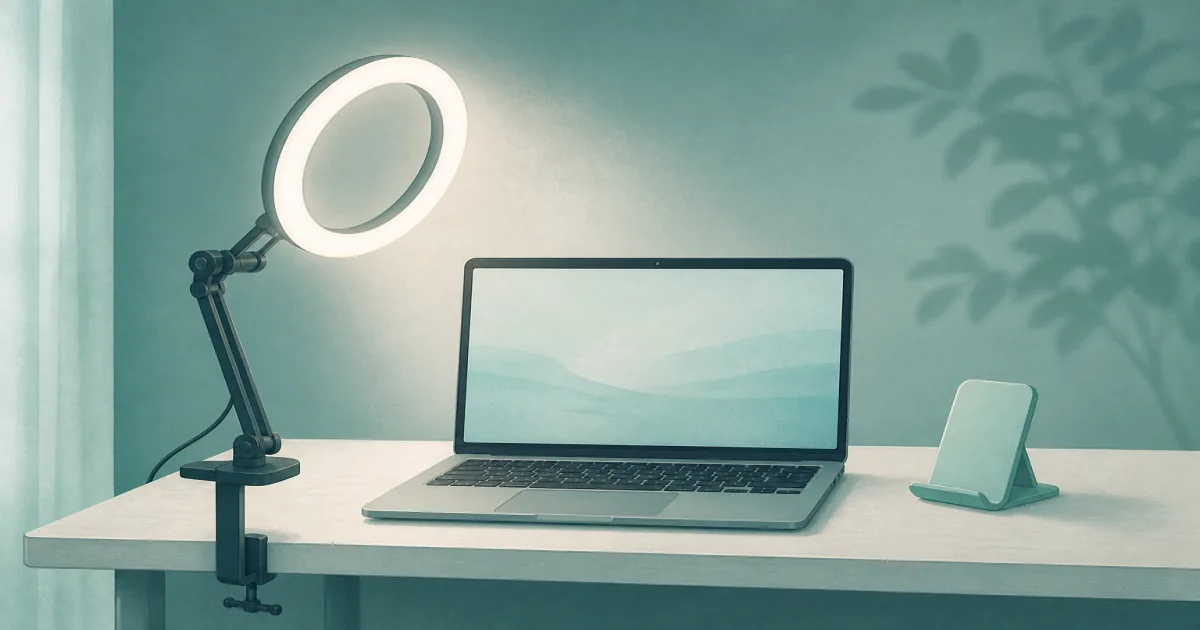
The short answer: Build a simple video kit with the UBeesize 10-inch clamp key light (paid link) when your desk edge is free, and keep the weighted-base desk ring light (paid link) for glass edges, thin particle-board lips, or rooms where the light has to move.
Our picks
A ring light for a desk is face lighting for calls, not a replacement for task light on paper. Soft, even light aimed at you beats a bright lamp behind the monitor that turns you into a silhouette. For more workspace lighting options, browse lighting, and keep the furniture baseline honest with a best standing desk guide if the desk height still forces you to lean into the webcam.
If you only need keyboard brightness, start with a desk lamp or a monitor light bar instead.
What the kit needs to do
- Light your face for Zoom, Teams, and interview calls.
- Stay off the keyboard zone as much as possible.
- Dim and warm enough for evening meetings without looking like a nightclub.
- Survive a standing desk that moves up and down.
Measure the clamp edge before you order a clamp light. Aprons, cable trays, and thick tops can block the C-clamp even when the desktop looks free from above.
Kit item 1: UBeesize clamp key light
The UBeesize 10" Key Light for Streaming Desk Ring Light (paid link) is the kit default when you have a clean desk edge. The articulating arm lets you raise the panel near webcam height without parking a heavy base on the keyboard side.
Aim slightly above eye level and toward your face. Then dim until skin looks natural and the screen is still readable. Brighter is not automatically better on calls.
If the arm wobbles, tighten joints and confirm the clamp is fully seated. A loose clamp on particle board is a desk-damage risk, not just a lighting problem.
Kit item 2: Weighted-base ring light
When the edge cannot take a clamp, the Desk Ring Light with Stand for Computer (paid link) keeps the light freestanding. Multiple color and brightness modes help you match daylight meetings and warmer evening calls.
Budget desktop footprint. A base light earns its place only if it does not shove your mouse into the monitor stand. On tiny desks, prefer the clamp kit item instead.
Move-room households like the base option because it relocates without re-clamping. Dedicated desks usually prefer the clamp to keep the surface clear.
Ring light vs lamp vs bias lighting
Most people who hate how they look on calls are fighting a bright window behind them or a dark room with a bright screen. Fix the angle first, then add a dedicated face light.
Setup checklist for better calls
- Raise the webcam toward eye level with a laptop stand if needed.
- Place the ring light in front of you, slightly above the camera line.
- Dim until shadows soften without washing out your face.
- Kill harsh overheads that create raccoon eyes under your brow.
- Recheck the frame after you raise a standing desk.
If the desk height is wrong, you will lean into the camera no matter how good the light is. Fix posture with a standing desk height check before buying a second light.
Color modes, windows, and evening calls
Use a cooler setting for daytime meetings when you want to look alert. Warm the light in the evening so you do not look like you are under a showroom panel. If a bright window sits behind you, close the blind or move the desk before you chase a brighter ring. No desk light can beat a blown-out background.
On dual-monitor desks, keep the light from bouncing into glossy panels. A small change in tilt often fixes glare faster than dropping brightness to the point where your face goes muddy again.
USB power is fine for most lights in this kit. Prefer a wall adapter or powered hub when the laptop port already runs a dock, webcam, and drive. Undervoltage makes some LEDs flicker on long calls.
Common mistakes that make ring lights look bad
- Parking the light behind the monitor so it brightens the wall, not your face.
- Leaving overhead cans on full blast so the ring becomes a second harsh source.
- Mounting a phone-style selfie ring at chin height for a laptop webcam.
- Buying a giant creator light for a 30-minute standup meeting.
Keep the job small. Home office video needs soft, controllable face light. It does not need a full streaming studio.
Who should skip a desk ring light
Skip it if you already sit beside a bright window that lights your face evenly, if you rarely take video calls, or if your desk has no clamp edge and no spare footprint for a base. In those cases, improve ambient light and camera height first.
Also skip a ring light if the real problem is a laptop webcam aimed up your nose. Raise the camera with a laptop stand before you spend on lighting. A low camera with perfect light still looks awkward.
Bottom line
Use the UBeesize clamp key light when the desk edge is free and you want soft face light without a bulky base. Use the weighted-base desk ring light when you cannot clamp or you move the light between rooms. Keep a separate task lamp for paper work, and do not expect a ring light to replace keyboard lighting.
Frequently Asked Questions
What ring light is best for a home office desk?
Start with a clamp-arm key light like the UBeesize 10-inch unit when your desk edge is free. Use a weighted-base ring light when you cannot clamp or you move the lamp often.
Ring light vs desk lamp?
A ring or key light aims at your face for the webcam. A desk lamp aims at paper and keyboard. Many setups need both jobs covered separately.
Ring light vs monitor light bar?
A monitor light bar lights the desk surface under the screen. A ring light lights your face. They solve different problems.
Where should I place a desk ring light?
Slightly above and in front of your face, aimed toward the webcam angle. Avoid blasting light into the screen glass.
Will a ring light cause monitor glare?
It can if it sits too low or too far to the side. Raise the light, tilt it toward your face, and dim until the screen stays readable.
Do I need a phone holder on a desk ring light?
Only if you film on a phone. For laptop webcams, prioritize arm reach and color modes over phone mounts.
Can I use a ring light on a standing desk?
Yes. Clamp lights move with the desktop. Base lights need enough depth so they do not tip when you raise the desk.