Best Document Holder for Desk (2026): Copy Stands That Keep Your Neck Neutral
The best document holder for desk work puts reference pages at eye height so you stop twisting between keyboard and paper. Start with the 3M DH340MB for thick stacks.
By Nate Brooks
Homeofficebasics is reader-supported. As an Amazon Associate we earn from qualifying purchases. Learn more.
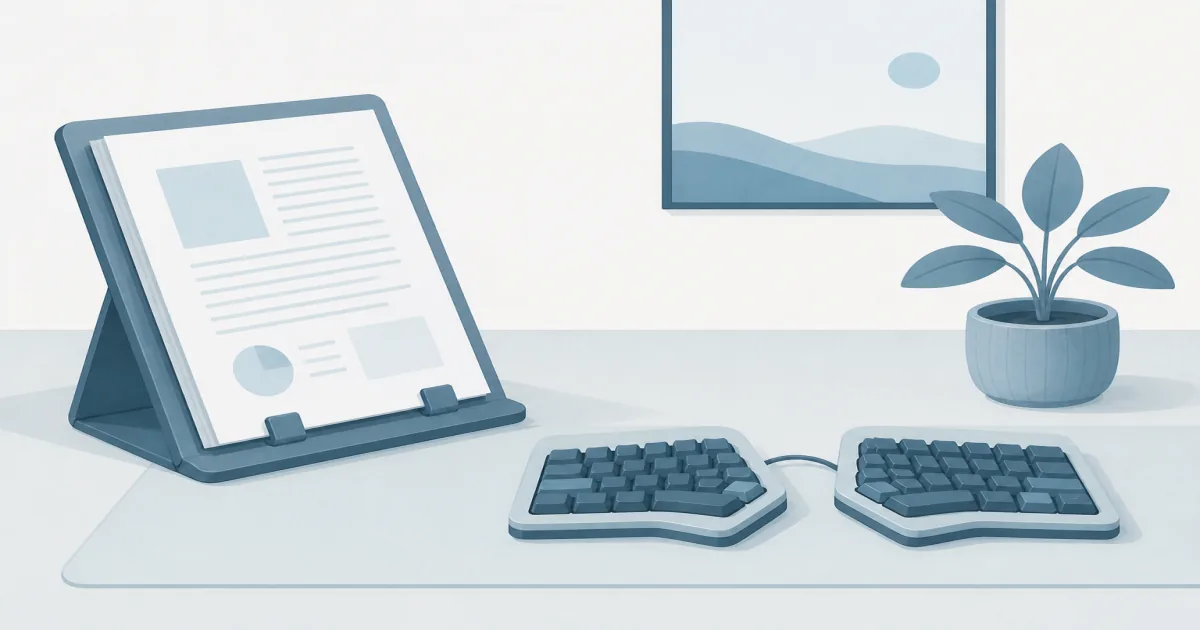
Our picks: Get the 3M Desktop Document Holder DH340MB (paid link) as the best document holder for desk stacks you actually flip through. Choose the TONOS Paper Stand (paid link) for a slim stainless typing stand. Use the Note Tower (paid link) when papers need to live beside the monitor instead of on the desktop.
Our picks
Typing from a printed page while the page lives flat on the desk is a slow neck workout. A document holder for desk work lifts that page into your viewing cone so your eyes travel sideways, not down into your lap. Measure the clear zone beside the keyboard first. A freestanding stand wants a few inches of depth. A monitor clip wants a bezel that can take a clamp.
If paper clutter is the bigger problem, clear storage with a desk organizer and keep the holder for active pages only. If the screen itself sits too low, fix that with a monitor riser or arm before you blame the copy stand.
Quick comparison
Top pick: 3M Desktop Document Holder DH340MB
Shop the 3M DH340MB (paid link)
The 3M DH340MB is the boring office standard for a reason. The ledge and clip hold a real stack, not one theatrical sheet that flutters when the HVAC kicks on. Portrait and landscape both work, which matters when you alternate between letters and wide spreadsheets.
Who it is for: anyone who enters data from packets, invoices, or meeting notes and wants the page to stay put for an hour. Who should skip it: shoppers who hate plastic and only ever work from one or two sheets. Those people will like TONOS more.
Living with it: park it just outside your mouse arc. Use the line guide when you are reading dense text into a form. Fold it flat at the end of the day if the desk doubles as a dining table.
Best value: TONOS Paper Stand Document Holder
Shop the TONOS paper stand (paid link)
TONOS is a stainless typing stand, not a filing tower. The angle adjusts cleanly, the footprint stays slim, and the metal does not flex when you tap the page to turn it. That is the right tool when your “document” is a one-pager, a script, or a short checklist.
Who it is for: writers and remote workers who keep a few printed sheets next to a compact keyboard. Who should skip it: anyone feeding 50-sheet packets or legal binders through the stand. Capacity is not the pitch here. Stability is.
Best beside the screen: Note Tower Monitor Document Paper Holder
Shop the Note Tower (paid link)
Note Tower clips to a monitor or laptop so the desktop stays free. The two-page layout is the real feature. Transcription, coding from a printed brief, or comparing two sheets side by side all get easier when both pages sit in the same plane as the screen.
Who it is for: small desks, standing desks that are already crowded, and people who move between rooms with a laptop. Who should skip it: thick-stack users and anyone whose ultrawide or frameless panel will not take the clip securely. Check bezel depth before you buy.
Freestanding vs monitor-mounted
Freestanding holders win when you shuffle paper all day and want the stand anywhere on the top. Monitor-mounted holders win when the desk surface is already spoken for. If your screen floats on an arm, a freestanding stand still rides with the desktop when you stand. A clip rides with the panel. Pick based on where the paper needs to live, not which option looks tidier in a product photo.
What to skip
Skip acrylic easels that tip when you turn a page. Skip “music stands” that claim desk use but need a floor footprint. Skip monitor clips that only hold a sticky note when your real workload is stapled packets. Skip buying a holder and an organizer that try to share the same six inches of desk. Give each tool its own zone.
Bottom line
Buy the 3M DH340MB (paid link) if you want one document holder for desk work that handles real stacks without drama. Buy TONOS (paid link) if a slim stainless typing stand is enough. Buy Note Tower (paid link) when the papers belong beside the screen, not on the desktop. Then leave the keyboard zone clear so the holder does not become another thing you type around.
Frequently Asked Questions
What is the best document holder for most home desks?
Most people should start with the 3M DH340MB. It holds thick letter stacks, works in portrait or landscape, and folds flat. Use TONOS if you only need a few sheets at a stable typing angle. Use Note Tower if the desk is already full and papers need to hang beside the screen.
Do I need a document holder if I already have a monitor arm?
Often yes. A monitor arm fixes screen height. A document holder fixes paper height. Without one, you still look down at the desk while typing from notes, invoices, or a printed brief.
Freestanding stand or monitor clip?
Freestanding wins when you shuffle thick stacks or want the holder anywhere on the desk. A monitor-side clip wins when every inch of desktop is already used by keyboard, mouse, and a laptop stand.
Will a document holder help with neck pain?
It helps when paper sits near eye level instead of flat on the desk. Pair it with a sensible screen height from our ergonomic home office setup guide. It will not fix a chair that forces a hunch.
Can I use a document holder on a standing desk?
Yes. Keep the stand on the side that does not block your mouse path. When the desk rises, a freestanding holder rides with the top. A monitor clip stays with the screen if the panel is on an arm.
Document holder vs desk organizer?
A holder is for reading and typing from pages in front of you. An organizer is for pens, clips, and files you are not actively reading. Most desks need both, not one tool doing both jobs poorly.