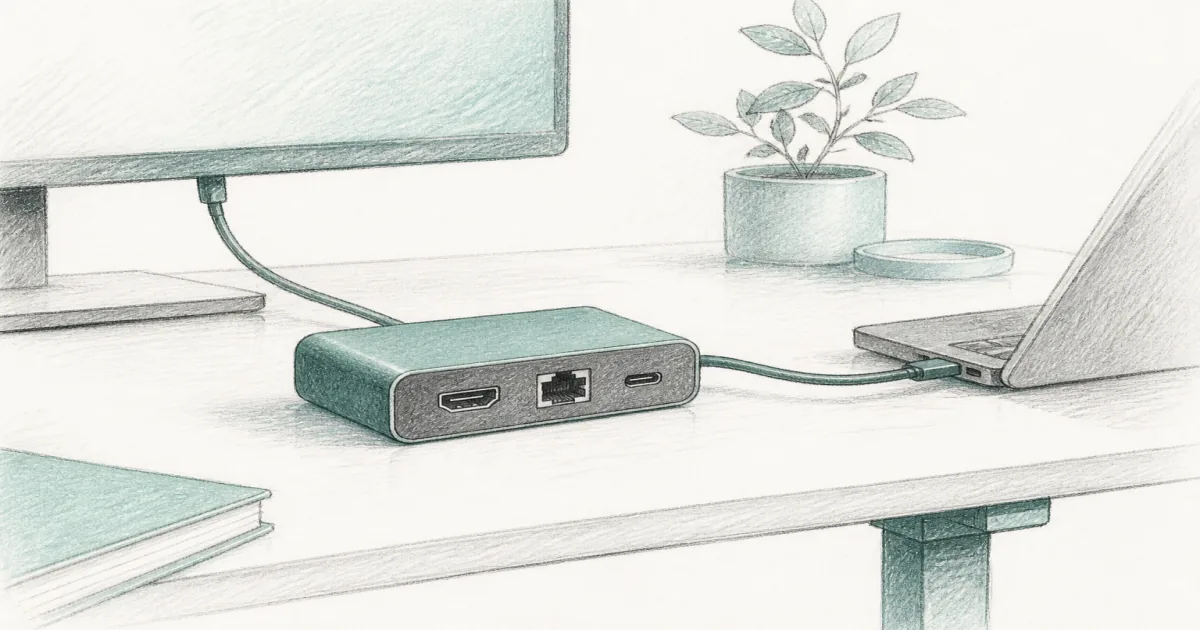
Best USB-C Docking Station (2026): Dual Monitor Desk Docks
Desk accessories
The best USB-C docking station turns one laptop cable into monitors, Ethernet, USB ports, and charging. Start with Anker for dual HDMI, or UGREEN Revodok when one display is enough.
Our picks
The best USB-C docking station is the desk brick that turns a thin laptop into a real workstation. You want monitors, Ethernet, USB ports, and charging without a rat’s nest of dongles. That is a different job from a compact USB hub for desk, which is usually lighter and often limited to one clean display.
Browse more desk accessories after the ports are sorted. Raise the laptop with a laptop stand for desk if the screen still sits too low beside your monitors.
Dock vs hub vs power strip
If the standing desk still yanks floor cords when it rises, fix power and cable management first. Then add the dock so device cables stay short on the desktop.
Top pick: Anker dual HDMI 8-in-1
The Anker Laptop Docking Station Dual Monitor 8-in-1 is the docking station default for most dual-monitor home offices. You get two HDMI ports, Ethernet, USB-A, card slots, and up to 85W passthrough charging when you add a strong PD wall charger.
Use it on Windows when you want two extended screens without buying a triple-monitor brick. On macOS, expect many dual HDMI docks to mirror instead of extend. If you need two unique Mac exteriors, look at DisplayLink or Thunderbolt hardware that matches your machine.
Shop the Anker dual HDMI docking station
Compact single display: UGREEN Revodok 6-in-1
The UGREEN Revodok 6-in-1 is the compact option when one HDMI monitor, Gigabit Ethernet, and PD charging are the whole job. It is lighter than a full dual dock and overlaps the USB hub for desk shortlist on purpose: same cable class, smaller ambition.
Skip it if you already know you need two extended external displays. Buy the Anker instead.
Shop the UGREEN Revodok 6-in-1
Compatibility checks before you order
- Confirm your laptop USB-C port supports DisplayPort Alt Mode and Power Delivery.
- Count real monitors, not wishlist monitors. Dual and triple behave differently by OS.
- Match cable types. HDMI-only screens need HDMI ports or adapters you already own.
- Budget a PD charger that can feed the dock’s passthrough rating.
A dock cannot invent GPU bandwidth your laptop lacks. If the machine only drives one external display natively, DisplayLink or Thunderbolt hardware is what unlocks more screens.
Standing desk placement
Park the dock on the moving desktop so monitor cables rise with the top. Leave brick chargers in a tray or under desk power strip zone so heavy adapters are not hanging off thin USB-C ports.
If you use a monitor arm, leave slack loops at standing height so the dock cable never becomes a hinge.
Who should skip a full USB-C dock
Skip a full dock if you already own a working Thunderbolt dock, if you only need one HDMI output, or if you travel every day and want a finger-sized hub. Buy the smaller tool for the smaller job.
Bottom line
Buy the Anker dual HDMI 8-in-1 when the desk needs two screens and Ethernet. Buy the UGREEN Revodok 6-in-1 when one HDMI display is enough. Keep the USB hub guide for travel-light port expansion.
Frequently Asked Questions
What is the best USB-C docking station for a home office?
Start with the Anker dual HDMI 8-in-1 if you want two screens, Ethernet, and charging in one brick. Choose the UGREEN Revodok 6-in-1 when one HDMI display and a compact cable are enough.
Is a docking station the same as a USB hub?
Not really. A full dock is built for monitors, Ethernet, charging, and many ports in one brick. A compact USB hub for desk is usually lighter and often capped at one clean display output.
Will a USB-C dock charge my laptop?
Most of these docks support USB-C Power Delivery, but you still need a strong enough wall charger plugged into the dock. Plan on losing some watts to the dock itself.
Can one dock drive two or three monitors?
Yes on the right host. Triple-monitor docks often mix native video with DisplayLink. Read your laptop’s GPU limits, and install DisplayLink software when the listing requires it.
Do MacBooks extend dual displays through cheap dual HDMI hubs?
Often no. Many dual HDMI hubs mirror on macOS. If you need two unique external screens on Apple silicon, look at DisplayLink docks or Thunderbolt hardware that matches your Mac.
Where should I place the dock on a standing desk?
Keep the dock on the rising desktop or a clamp tray so monitor and USB cables rise with the top. Park brick chargers with your cable management for desk plan.
Who should skip a full docking station?
Skip it if you only need one HDMI port and a couple of USB-A openings. A compact hub is enough then, and cheaper to replace if you travel weekly.