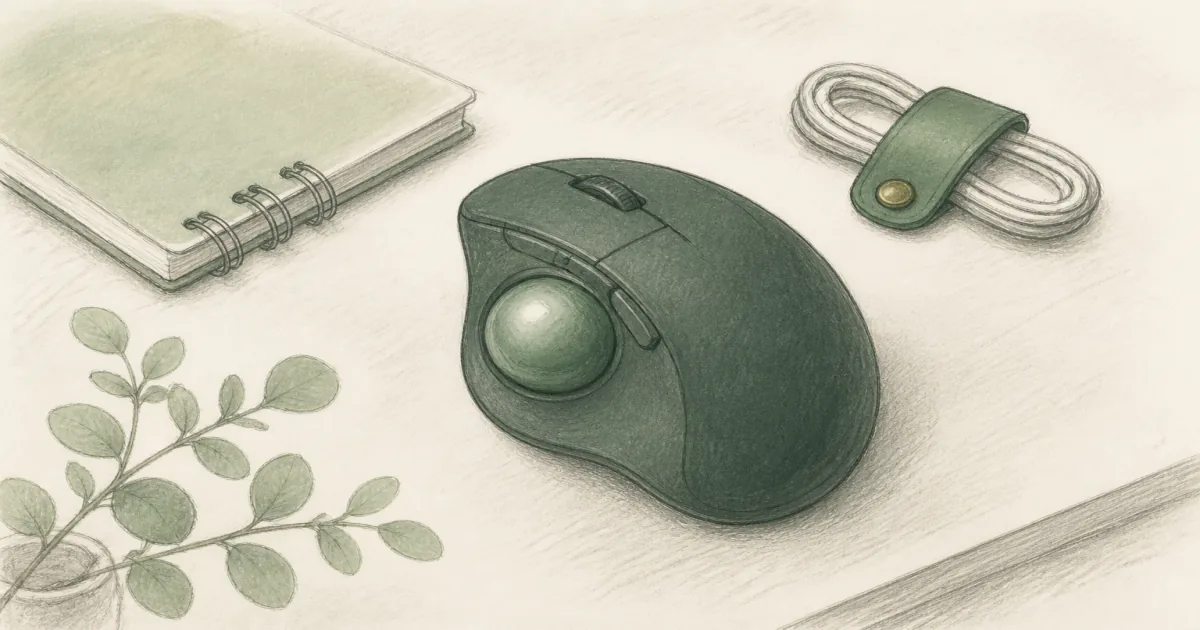
Best Trackball Mouse (2026): Thumb and Finger Control for Tight Desks
Desk accessories
The best trackball mouse keeps the shell still so your arm travels less. Start with the Logitech Ergo M575S for thumb control, or the Kensington Orbit when you want finger tracking and a scroll ring.
Our picks
The best trackball mouse keeps the body parked so you move the ball, not the whole shell. That is a different job from an ergonomic mouse roundup or a vertical mouse. Trackballs win when desk space is tight, a standing desk top is busy, or sliding a mouse makes your shoulder work overtime.
Browse more desk accessories after the pointing device feels settled. A smooth desk pad still helps, even though the shell barely moves.
Trackball vs regular mouse vs vertical
If your main complaint is forearm twist, try a vertical mouse first. If your main complaint is “I keep running out of mouse room,” a trackball is the clearer buy.
Thumb vs finger control
Thumb trackballs put the ball on the side. Your fingers click while the thumb steers. Finger trackballs put a larger ball under the fingers, often with a scroll ring around it.
Neither is universally better. Thumb control feels closer to a regular mouse for many people. Finger control can feel more relaxed if you already rest your fingertips on a centered ball.
Top pick: Logitech Ergo M575S
The Logitech Ergo M575S is the trackball default for most desks. The sculpted shell supports the hand, the thumb ball stays precise on any surface, and quiet clicks help when you share a room.
Connect with Bluetooth or the Logi Bolt receiver. Battery life on a single AA is the kind of “set it and forget it” detail that matters on a busy standing desk. Skip it if you know you want finger tracking or a completely ambidextrous layout.
Finger control: Kensington Orbit with Scroll Ring
The Kensington Orbit Trackball with Scroll Ring is the simpler finger-driven pick. You roll the ball with your fingertips and spin the ring for pages. The wired USB connection means no battery anxiety and easy sharing between machines.
Use it when you want ambidextrous flexibility or dislike thumb balls. On a sit-stand desk, route the cable so it rises with the top instead of tugging at standing height.
Shop the Kensington Orbit with Scroll Ring
Setup tips that shorten the learning week
- Slow the pointer for the first two days, then raise speed once aiming settles.
- Keep the keyboard close so you are not reaching for either device.
- Clean the ball occasionally. Dust under a trackball feels like a “broken” sensor.
- On standing desks, park wireless receivers where they do not drop out when the top rises.
If your keyboard still forces a twisted shoulder, fix that next with an ergonomic keyboard rather than buying a third mouse.
Who should skip a trackball
Skip trackballs if you need lightning-fast gaming aim, if you hate any learning curve, or if a sculpted optical mouse already feels fine. A trackball is a mechanism change, not a magic wrist cure.
Bottom line
Buy the Ergo M575S for wireless thumb control on a busy desk. Buy the Orbit with Scroll Ring when finger tracking and a wired scroll ring fit your hands better. Keep the ergonomic mouse page bookmarked if you decide the shell should still slide.
Frequently Asked Questions
What is the best trackball mouse for a home office?
Start with the Logitech Ergo M575S if you want wireless thumb control and quiet clicks. Choose the Kensington Orbit with Scroll Ring when you prefer finger tracking and a simple wired setup.
Is a trackball better than a vertical mouse?
They solve different problems. A trackball keeps the shell still so your arm moves less. A vertical mouse changes forearm angle. Pick the mechanism that matches your complaint.
Thumb trackball or finger trackball?
Thumb balls (M575S) feel closer to a regular mouse for many people. Finger balls (Orbit) keep the hand flatter and suit shared or ambidextrous desks. Try the style that matches how you naturally rest your hand.
Do trackballs help carpal tunnel?
Some people feel better because the arm travels less. Others prefer a handshake vertical mouse instead. Results vary. Fix desk height first, and see a clinician for persistent pain.
Wired or wireless trackball?
Wireless is convenient on sit-stand desks if the receiver stays stable. Wired models like the Orbit never need charging and are easy to share between machines.
How long is the learning curve?
Most people feel usable within a few days and smooth within a week. Start with slower DPI if the software allows it, then raise speed once aiming settles.
Who should skip a trackball?
Skip it if you do fast gaming or detailed illustration that already feels natural on an optical mouse, or if you refuse any adjustment period.