Best Ergonomic Keyboard for Home Offices (2026)
Looking for the best ergonomic keyboard for long workdays at home? Compare the wireless Logitech Ergo K860 with the wired Perixx PERIBOARD-512B and pick by budget and desk space.
By Alex Turner
Homeofficebasics is reader-supported. As an Amazon Associate we earn from qualifying purchases. Learn more.
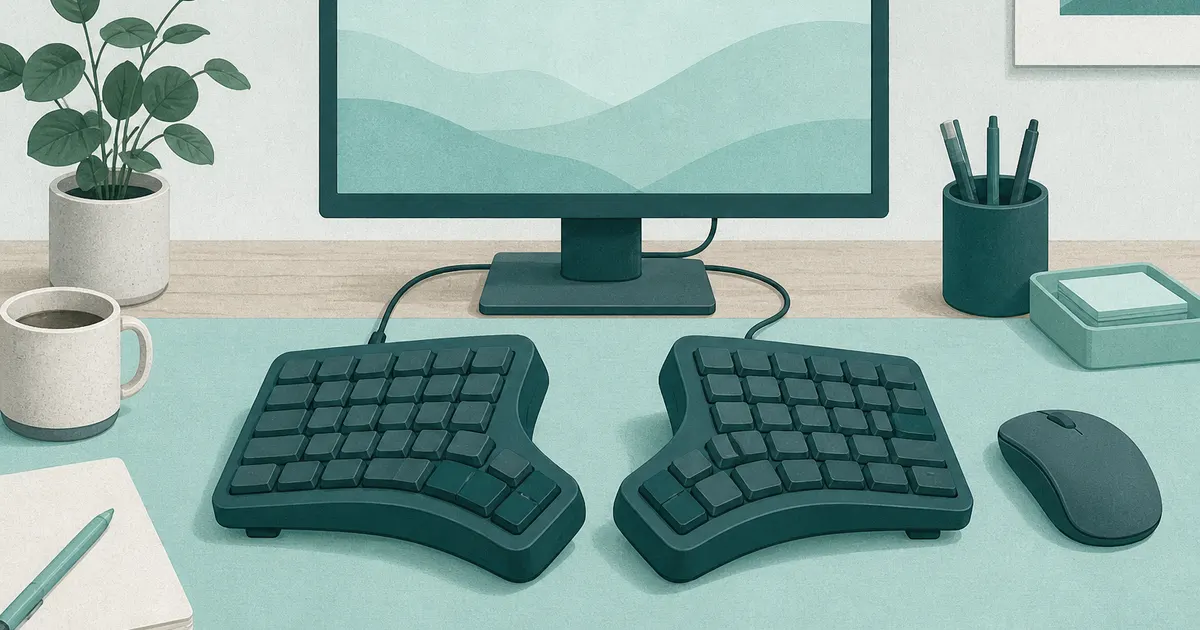
The short answer: The Logitech Ergo K860 (paid link) is the best ergonomic keyboard for most home offices because it combines a gentle split, a useful wrist rest, and reliable wireless connections. Choose the Perixx PERIBOARD-512B (paid link) if you want a similar full-size shape for much less and do not mind a USB cable.
Our picks
An ergonomic keyboard should make your hands feel less twisted, not ask you to relearn your whole job. The two winners take different approaches. Logitech gives you a polished wireless keyboard that works across several devices. Perixx keeps the price low with a wired connection and a roomy, traditional design.
Our two ergonomic keyboard picks
Both keyboards use a fixed split rather than two separate halves. That makes them easier to learn than a fully split board, but it also means you cannot choose the exact distance between your hands. If you want modules you can pull apart to shoulder width, see split keyboard.
Best overall: Logitech Ergo K860
The Logitech Ergo K860 (paid link) has a curved keyframe that angles each half toward the matching hand. The center rises slightly, which helps some typists keep their forearms from rolling inward. The full number pad makes sense if spreadsheets and financial work are part of your day.
Its wireless setup is the main reason to pay more. You can connect with Bluetooth or the included USB receiver, then switch among up to three devices from the keyboard. That is useful when a work laptop and personal computer share one desk.
Measure your desk before buying because the keyboard is about 18 inches wide and more than 9 inches deep. A shallow desk or narrow keyboard tray may not have enough room. Positive notes commonly mention typing comfort, build quality, and easy device switching. Recurring complaints focus on the large size, learning curve, and non-removable wrist rest.
Check it: Logitech Ergo K860 on Amazon (paid link)
Best value: Perixx PERIBOARD-512B
The Perixx PERIBOARD-512B (paid link) costs much less and skips wireless features. Plug its USB cable into a Windows computer and it is ready. The fixed split, raised center, and integrated palm rest give you the basic ergonomic shape without software or batteries.
Its keys have deeper travel and more resistance than the Logitech. Some typists enjoy that firm feedback. Others find it tiring, especially after years on a slim laptop keyboard. The case is also very wide, so check that your mouse will not be pushed too far to the side. Buyers often praise the value and solid case, while common complaints mention stiff keys, size, and a short adjustment period.
Check it: Perixx PERIBOARD-512B on Amazon (paid link)
Which one should you buy?
Buy the Logitech if you type for hours, switch between computers, or want to remove another cable from the desk. The higher price buys a smoother wireless experience, better multi-device controls, and a softer wrist rest.
Buy the Perixx if you use one Windows desktop and want to spend as little as possible. It covers the important layout changes, but you give up wireless connections and Logitech's more refined key feel.
Skip both if you need to move the left and right halves independently. A fully split keyboard lets you set the width and angle around your shoulders, but it costs more and usually takes longer to learn.
How to check fit before the return window closes
Start by centering the keyboard on your body, not on the monitor or desk. The split should line up roughly with the center of your torso. Keep the mouse close enough that your upper arm does not reach outward all day.
Set the keyboard low enough that your elbows stay near your sides and your shoulders remain relaxed. If your desk is too high, no keyboard shape can fix the reach. Our standing desk height guide explains how to set the work surface for sitting and standing.
Give the layout several normal workdays. A few wrong keystrokes are expected. Sharp pain, growing numbness, or symptoms that continue away from the desk are reasons to stop and seek medical advice.
What matters when comparing ergonomic keyboards
Do not choose from the word “ergonomic” alone. A keyboard can have a dramatic curve and still be too high, too wide, or too stiff for you.
Build the rest of the desk around it
A keyboard is only one part of your typing position. Pair it with a nearby mouse, and consider a vertical mouse if a regular mouse keeps your forearm rotated. If the keyboard front is high and the desk edge bothers you during pauses, add a wrist rest for keyboard that matches key height. Keep cables out of the wrist area with the desk cable management guide.
If the keyboard sits on a tray, check that the tray is wide and stable enough for the model you choose. The Logitech and Perixx are both larger than a standard compact keyboard.
Bottom line: Choose the Logitech Ergo K860 (paid link) for the strongest all-around mix of comfort and wireless convenience. Choose the Perixx PERIBOARD-512B (paid link) when price and wired simplicity matter more. Either one still needs the right desk height and a mouse you can reach without stretching.
Frequently Asked Questions
What is the best ergonomic keyboard for most home offices?
The Logitech Ergo K860 is the best ergonomic keyboard for most people who want a full-size wireless model. Its curved split layout, cushioned wrist rest, and multi-device support make it easy to use through a full workday.
Are ergonomic keyboards actually better for your wrists?
They can help you keep your wrists straighter and your forearms in a more relaxed position. They do not treat an injury, and comfort depends on desk height, typing technique, and the shape of your hands. Talk with a qualified medical professional if you have persistent pain or numbness.
How long does it take to adjust to a split keyboard?
Most touch typists need several days to two weeks. Accuracy may dip at first because each hand must stay on its own side. Start with normal work, take short breaks, and avoid forcing long sessions if your hands feel tired.
Should I choose a wired or wireless ergonomic keyboard?
Choose wireless if you switch between devices or want fewer cables across the desk. Choose wired if you want the lowest price and a connection that never needs pairing or batteries.
Do I need a separate wrist rest?
Not with these picks. Both include an integrated rest. Keep your palms light while typing rather than pressing your wrists into the pad, and make sure the keyboard is low enough that your shoulders stay relaxed.
Is an ergonomic keyboard worth it for remote work?
Yes if you type for hours and a flat keyboard leaves your wrists twisted. Start with the Logitech if you switch devices. Start with the Perixx if you want the layout change for less money.
Will an ergonomic keyboard fix wrist pain overnight?
No. It can reduce awkward wrist angles, but desk height, mouse reach, and breaks still matter. Sharp or lasting pain needs a clinician, not only a new keyboard.