Reclining Office Chair: When the Tilt Is the Point
A reclining office chair should still work for typing, then lean back cleanly for calls and short breaks. These two picks split executive tilt from mesh recline with a footrest.
By Alex Turner
Homeofficebasics is reader-supported. As an Amazon Associate we earn from qualifying purchases. Learn more.
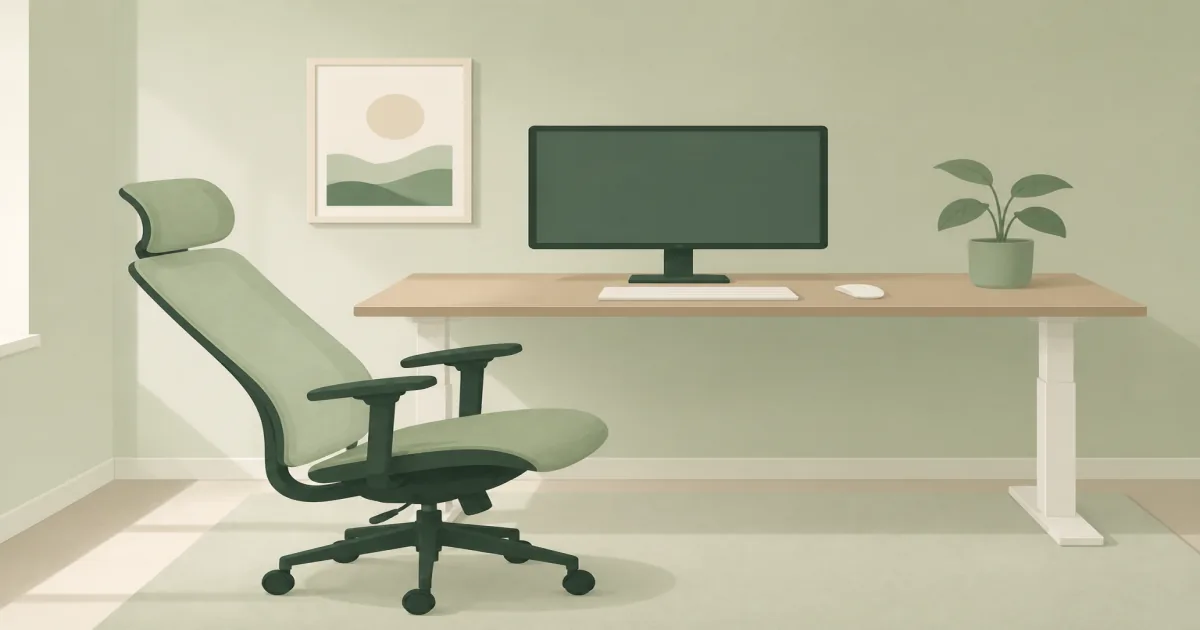
The short answer: The COLAMY High Back Executive Office Chair (paid link) is the better reclining office chair when you want a lockable executive tilt and a leather look for mixed typing and lean-back calls. Choose the Hbada P5 (paid link) when you want a cooler mesh task chair that reclines for breaks and includes a retractable footrest.
Our picks
A reclining office chair earns its keep only if the upright position is still good for keyboard work. The lean-back is a break and call feature, not a substitute for seat fit, lumbar contact, and arm height.
If you already know you want a slide-out leg rest as the hero feature, compare options in our best office chair with footrest guide. This page focuses on chairs where the recline or tilt itself is the main decision.
Recline styles compared
Best executive tilt: COLAMY High Back Executive Office Chair
The COLAMY High Back Executive Office Chair (paid link) is built for people who like a padded leather high-back and still need a usable desk chair. Inflatable lumbar lets you fill the gap behind your lower back instead of living with a fixed pillow. Flip-up arms help the chair tuck under the desk when the day ends.
The synchro tilt is the recline story here: rock when you want to think, lock when you need to type. It will not open into a near-flat nap chair. That is fine if your goal is controlled lean-backs between focused blocks rather than sleeping at the desk.
Choose COLAMY when you want an executive silhouette, tunable lumbar air support, and a tilt that stays office-appropriate.
Shop: COLAMY High Back Executive Office Chair (paid link)
Best mesh recline with footrest: Hbada P5
The Hbada P5 Ergonomic Office Chair with Footrest (paid link) is the cooler, more break-oriented path. Mesh keeps your back from overheating. Adjustable lumbar and a 2D headrest help when you move between upright typing and a deeper lean. The retractable footrest is there for short recovery, not for keyboard work.
Owners who like the P5 usually mention airflow and the ability to change posture without standing up. The seat can feel firm at first. Arm adjustment is more limited than premium task chairs, so check elbow height against your desk before you commit.
Pick the P5 when breathability and a true break posture matter more than a leather executive look.
Shop: Hbada P5 Ergonomic Office Chair (paid link)
How to use a reclining chair without wrecking your posture
- Set seat height so your feet rest flat and your elbows meet the desk.
- Lock a near-upright angle for typing and mousing.
- Soften the tilt tension so a lean-back takes a deliberate push, not a collapse.
- Recline for calls, reading, and short resets, then return upright.
- Keep wall and shelf clearance behind the chair so the back can open safely.
If lower-back pain is the main reason you are shopping, also read office chair for back pain. Recline alone does not fix a seat that is too deep or a desk that is too high.
Who should buy which reclining office chair?
Buy the COLAMY if you want padded executive styling, flip-up arms, and a controlled rock-and-lock tilt. Buy the Hbada P5 if you run warm, sit long hours, and want mesh plus a footrest for deeper breaks.
Skip both if you need a big-and-tall rated seat, highly adjustable 4D arms, or a gaming-style deep recliner on a tight budget. Those jobs need a different shortlist, starting from our best office chair hub.
Bottom line: Choose the COLAMY for executive tilt you can lock for real desk work. Choose the Hbada P5 when mesh airflow and a footrest-backed recline are the features you will actually use.
Frequently Asked Questions
What is the best reclining office chair for working from home?
The COLAMY High Back Executive Office Chair is the better everyday tilt chair if you want a leather executive look and lockable rock. Choose the Hbada P5 when breathable mesh and a footrest for deeper breaks matter more.
Can you type in a reclining office chair?
Yes, if you lock an upright or near-upright angle first. Deep recline is for calls, reading, and short recovery. Typing while fully leaned back usually pushes your shoulders forward toward the desk.
Is a reclining office chair the same as a chair with a footrest?
Not always. Some chairs tilt or rock without a leg rest. Others add a retractable footrest for naps and long lean-backs. If the footrest is the main feature you want, also read our office chair with footrest guide.
Mesh or leather for a reclining chair?
Mesh stays cooler and usually feels more like a task chair. Leather looks more executive and can feel plush, but it holds more heat. Pick based on your room temperature and how formal you want the seat to look.
How far should an office chair recline?
For work, a moderate tilt with tension control is enough. Very deep angles are break features. Make sure you have wall clearance behind the chair before you order a model that opens far back.
Do flip-up arms help on a reclining chair?
They help when you need the chair to slide under the desk after work. They do not replace adjustable arm height for precise typing posture.
When should I skip a reclining office chair?
Skip it if you never lean back, your room has no clearance behind the seat, or you need a highly adjustable ergonomic chair first. Start with our best ergonomic office chair guide in that case.